

In practice
What changes when your AI has shared playbooks.

GDPR
EU-hosted.
We host sqemes for you in the European Union. Your content is never used to train our model.
Ownership
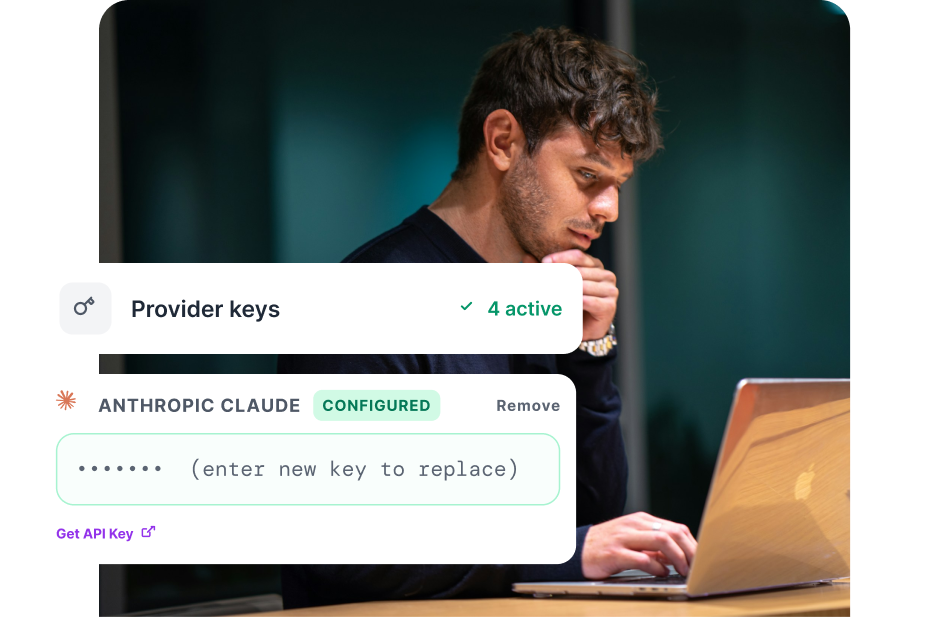
Your keys, your models, your data.
Connect any provider with no markup and keep your AI setup fully under your control.
Self Host
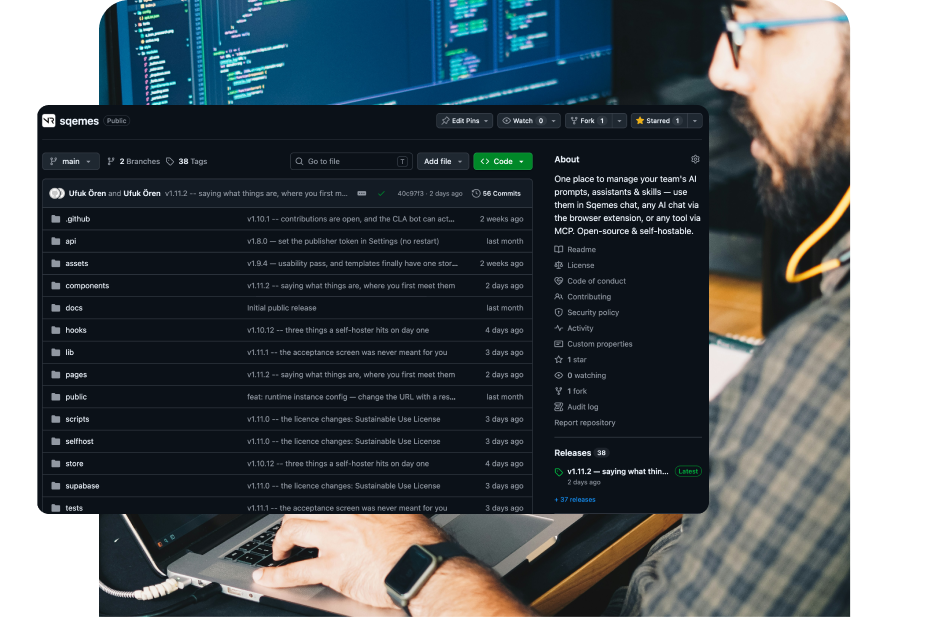
Public source and self-hostable.
The source is public, and you can run sqemes on your own servers with your own data — free for your own internal use.
Onboarding
From sign-up to your first playbooks in minutes.
Add your website during setup and sqemes creates starter prompts and skills from the context you already have.

Brand
Your voice and rules, without repeating them every time.
Keep your brand context as a skill and apply it wherever it's needed.

Models
Use the model that fits the task.
Connect different providers and choose which model to use without rebuilding the playbook around it.

Authoring
Draft with AI. Test before you use it.
Use AI to help create a playbook, then run it directly while editing to see the actual result

Marketplace
Start from something useful.
Choose a ready-made playbook and adapt it to your own context instead of beginning with a blank page.

Prompts
Turn a good prompt into something repeatable.
Add variables for the parts that change and keep the instructions that shouldn't.

Personas
Give each role the playbooks it needs.
A persona is a role with conditions which picks the right playbook when the moment comes.

Context
Change context once, not everywhere.
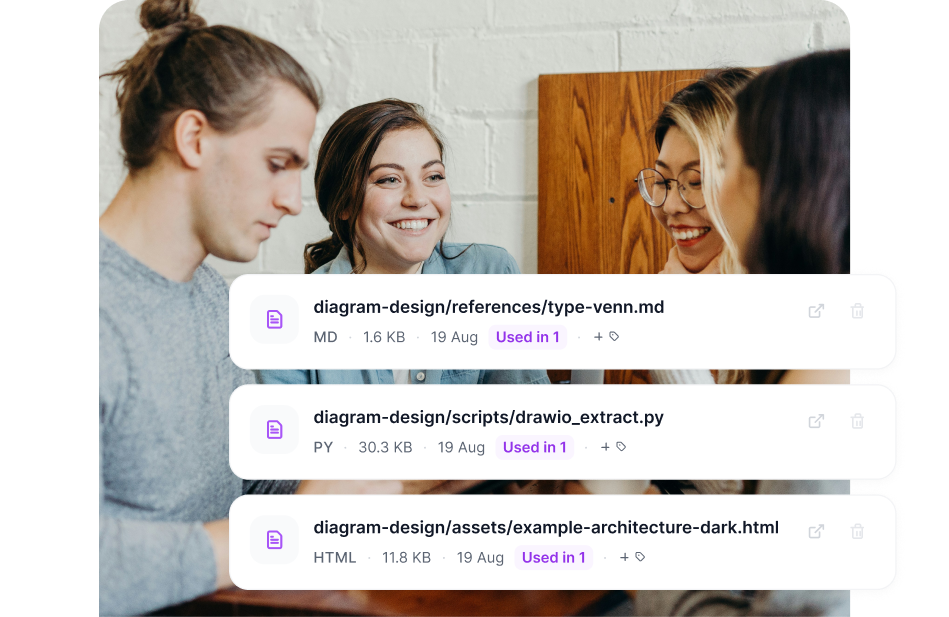
Attach one central file to many playbooks, and every one of them uses the latest version.
Skills
Package know-how into a reusable block.
Keep instructions, files and supporting resources together and use them wherever that capability is needed.

Channels
Use the same playbooks where you already work.
Access it in the browser, in sqemes Chat and through MCP-compatible tools.

Permissions
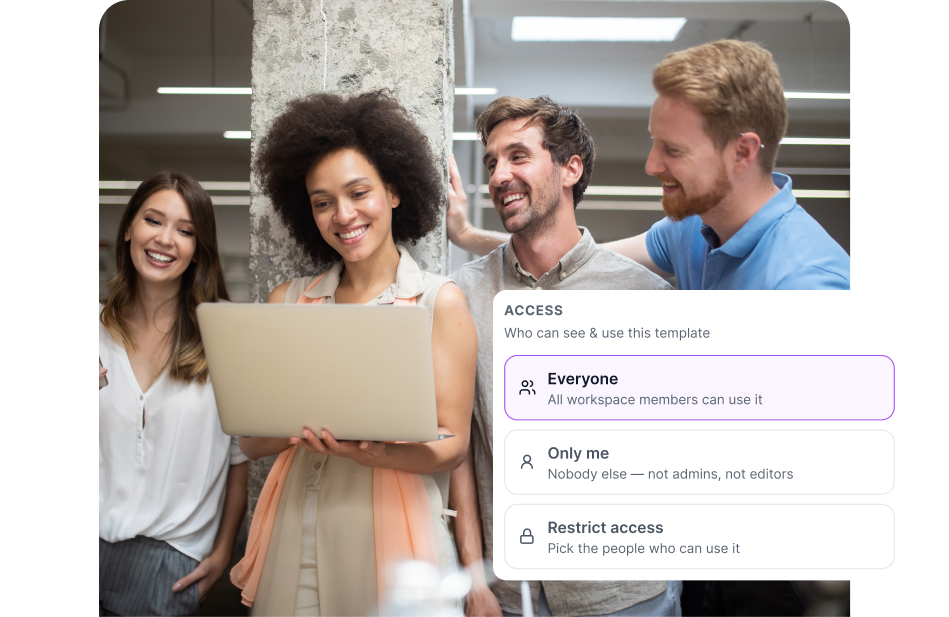
Control access to your playbooks.
Keep a playbook private, share it with selected people or make it available across the workspace.
Every new person starts from zero.
Without sqemes


New work starts from what you already know.
With sqemes

Example playbooks:
Trusted by teams that
demand quality.

"Medical skincare leaves little room for loose wording. We keep our brand voice and our claim rules as skills in sqemes, and everyone on the team uses them in whichever AI tool they prefer. When a rule changes, we change it once – not in twenty saved prompts."

Bernd Wild
Marketing Director
"Our teams and partners were all using AI, but each in their own way. sqemes gave us one library with clear access rights: shared playbooks for everyone, sensitive ones only for the people who need them. The brand sounds consistent now, no matter who writes or which tool they use."

Markus Dalka
Fractional Growth Architect

"We run coding and robotics workshops for children with a small team. Our workshop concepts, age-appropriate language and parent communication are now reusable playbooks. New trainers start from what we've already learned instead of from scratch – and with our own API key, it stays affordable for a non-profit."

Rinku Sharma
CEO & Co-Founder

In your browser
Open your playbooks inside ChatGPT, Claude, Gemini and more, and use your playbooks without leaving the page.

In sqemes Chat
The chat in the sqemes web app finds the playbook that fits the task and runs it with the providers and models you connect.

Anywhere via MCP
Expose the same playbooks and personas to Claude Code, Codex, Cursor, VS Code and other MCP-compatible tools.
Get your questions answered.
What does sqemes do?
Sqemes keeps your playbooks — reusable prompts and skills — and their context in one place and makes them available across the AI tools you use: in the browser, in sqemes Chat and through MCP. Personas add the roles that know which playbook to use when.
How do I get started with sqemes?
Create a workspace, add your existing context or website, choose or create your first playbooks and connect the tools where you want to use them.
Is there a free plan for sqemes?
There is no permanent free cloud plan.
Every paid plan starts with a 14-day free trial. You can also run sqemes on your own infrastructure for your own internal use.
Can I build AI assistants with sqemes?
Yes — with personas. A persona is an AI role, like a project manager or a sales specialist, that takes on abilities from your playbooks: it knows which prompt or skill to use for which job and loads it when the moment comes. Because a playbook is linked rather than copied, one update reaches every persona that uses it. Personas work in sqemes Chat and in MCP tools like Claude and Cursor.
How do I create custom prompt templates in sqemes?
Create one from scratch, adapt an existing playbook or use AI to help draft it. Variables let you separate the parts that change from the instructions that stay the same.
Does sqemes work with MCP, Claude Code and Cursor?
Yes. Sqemes exposes your playbooks via MCP so compatible clients can use your prompts, skills and personas directly.