
Your company's playbooks, in every AI your team uses.
Your prompts and skills. Written once. Kept in one place. Used in ChatGPT, Claude, your IDE and whatever AI tool you switch to next. On any device.
Sqemes doesn't make every result the same. It makes every result fit your company.
In your browser
Your playbooks inside ChatGPT, Claude and Gemini. One click away, without switching tabs.
In sqemes Chat
Run your playbooks with any AI provider you connect, straight inside the sqemes webapp.
In Claude Code, Cursor and Codex
The same playbooks inside Claude Code, Codex, Cursor and any other tool that connects via MCP.
Runs where your work already happens.














Your knowledge remains under your control.
The context, tone, rules and instructions behind good AI work are company knowledge. Sqemes keeps them in one place while leaving you in control of where they run, which models you use and who can access them.
GDPR
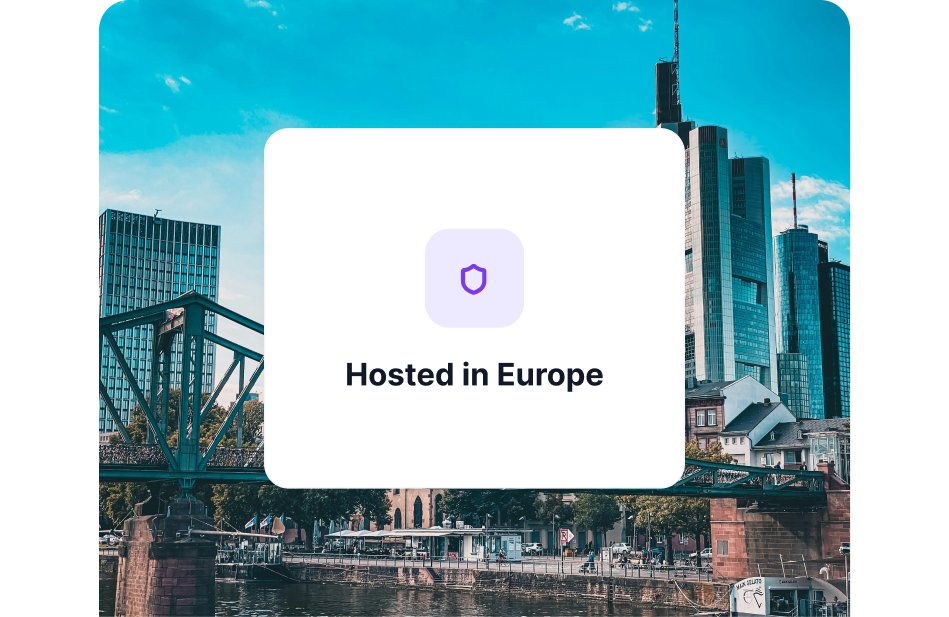
EU-hosted.
We host sqemes for you in the European Union. Your content is never used to train our model.
Permissions
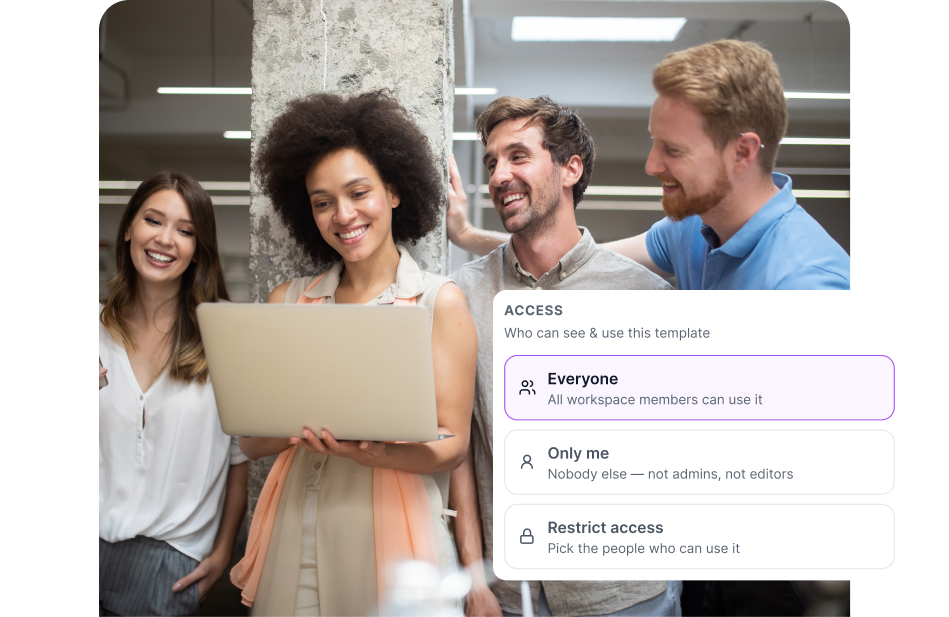
Control access to your playbooks.
Keep a playbook private, share it with selected people or make it available across the workspace.
Ownership
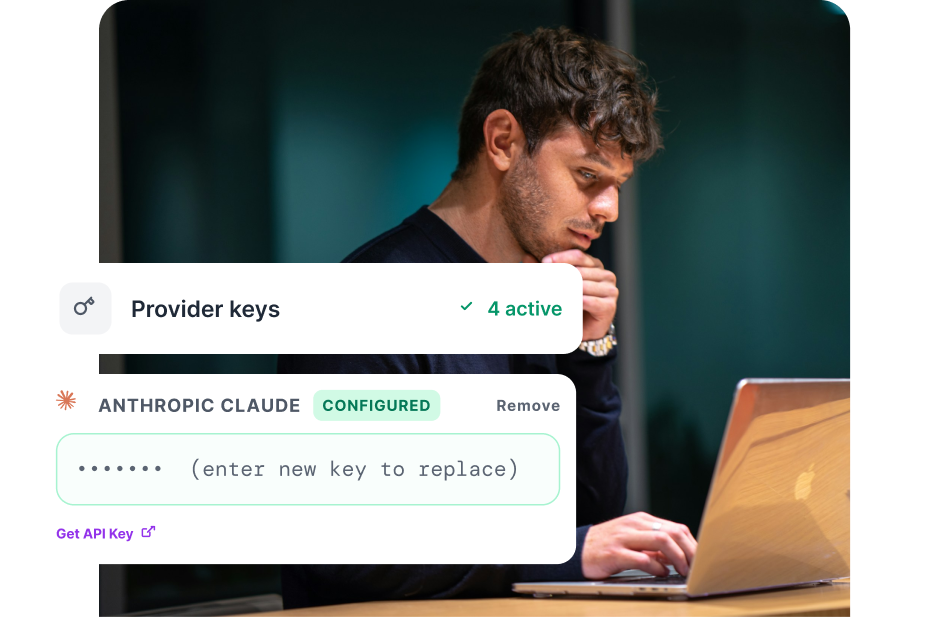
Your keys, your models, your data.
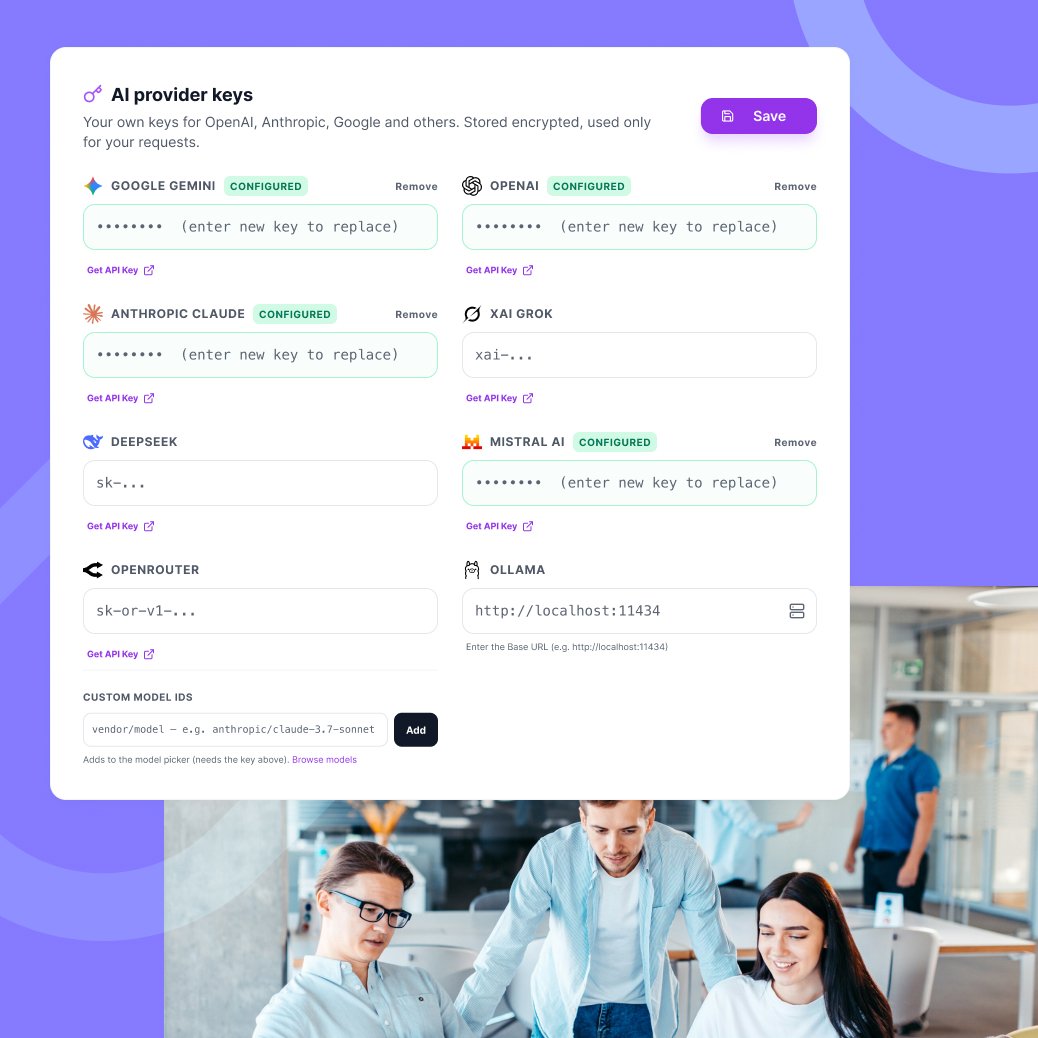
Connect any provider with no markup and keep your AI setup fully under your control.
Context
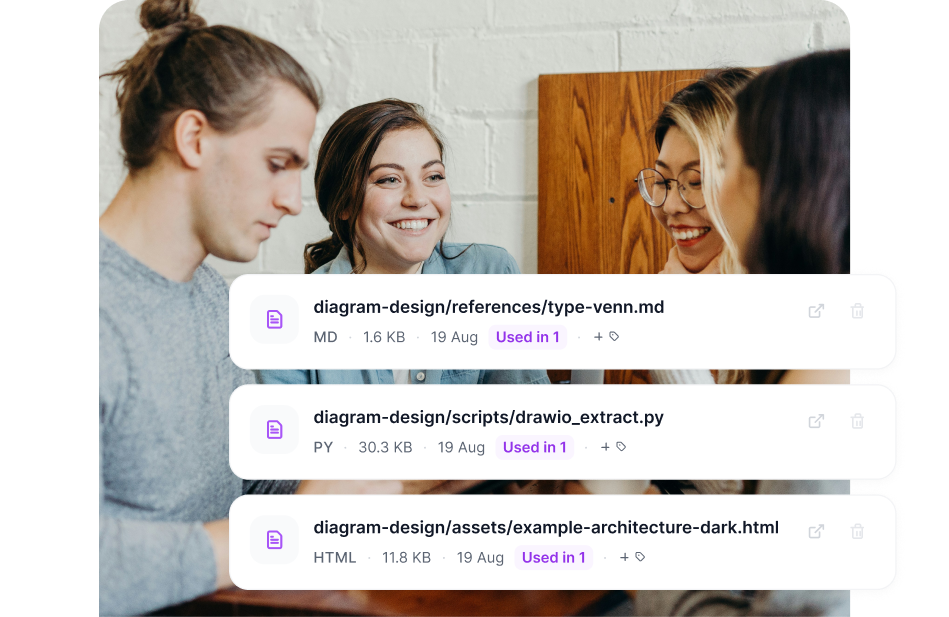
Change context once, not everywhere.
Attach one central file to many playbooks, and every one of them uses the latest version.
Every new person starts from zero.
Without sqemes


New work starts from what you already know.
With sqemes

Example playbooks:
Trusted by teams that
demand quality.

"Medical skincare leaves little room for loose wording. We keep our brand voice and our claim rules as skills in sqemes, and everyone on the team uses them in whichever AI tool they prefer. When a rule changes, we change it once – not in twenty saved prompts."

Bernd Wild
Marketing Director
"Our teams and partners were all using AI, but each in their own way. sqemes gave us one library with clear access rights: shared playbooks for everyone, sensitive ones only for the people who need them. The brand sounds consistent now, no matter who writes or which tool they use."

Markus Dalka
Fractional Growth Architect

"We run coding and robotics workshops for children with a small team. Our workshop concepts, age-appropriate language and parent communication are now reusable playbooks. New trainers start from what we've already learned instead of from scratch – and with our own API key, it stays affordable for a non-profit."

Rinku Sharma
CEO & Co-Founder
Get started in three easy steps.
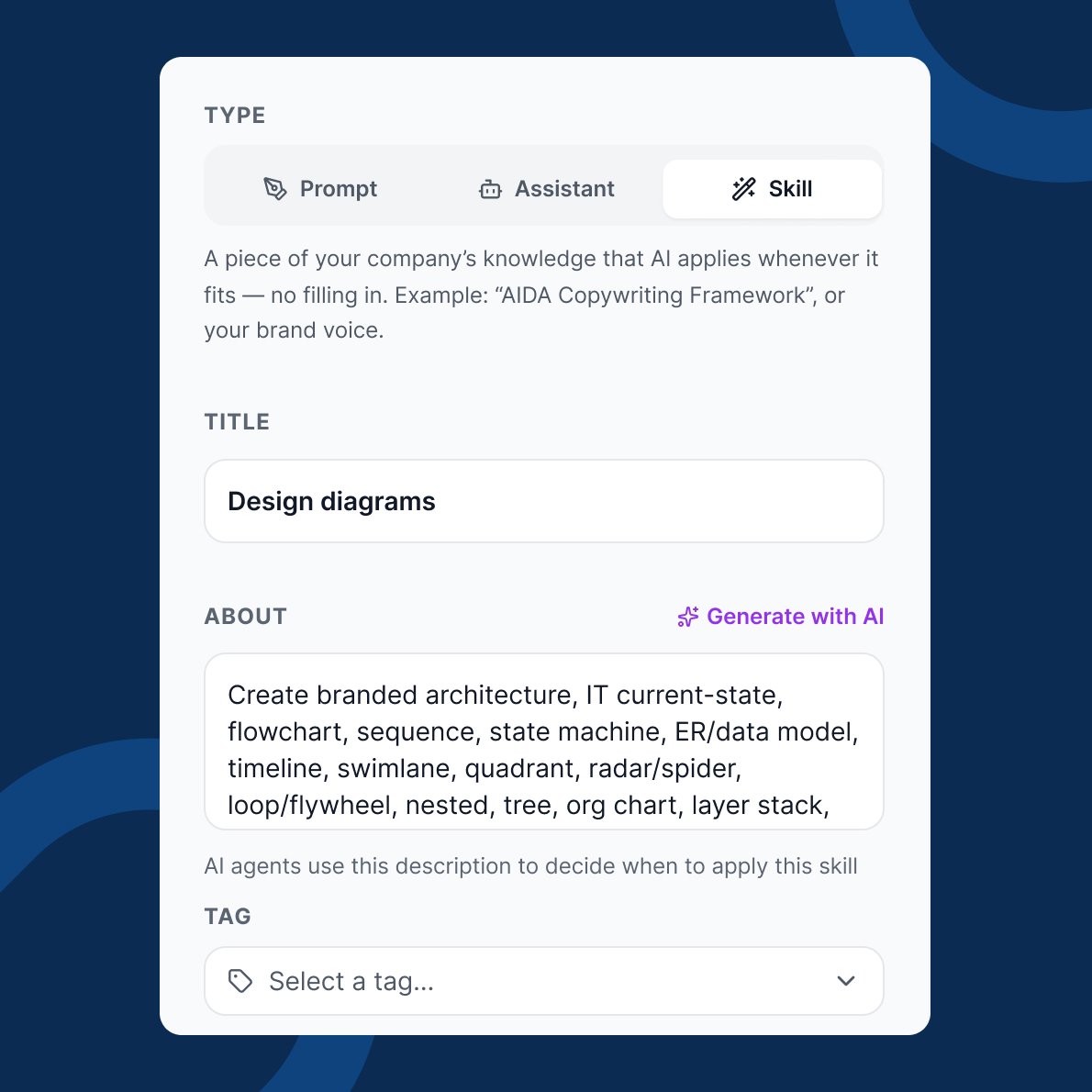
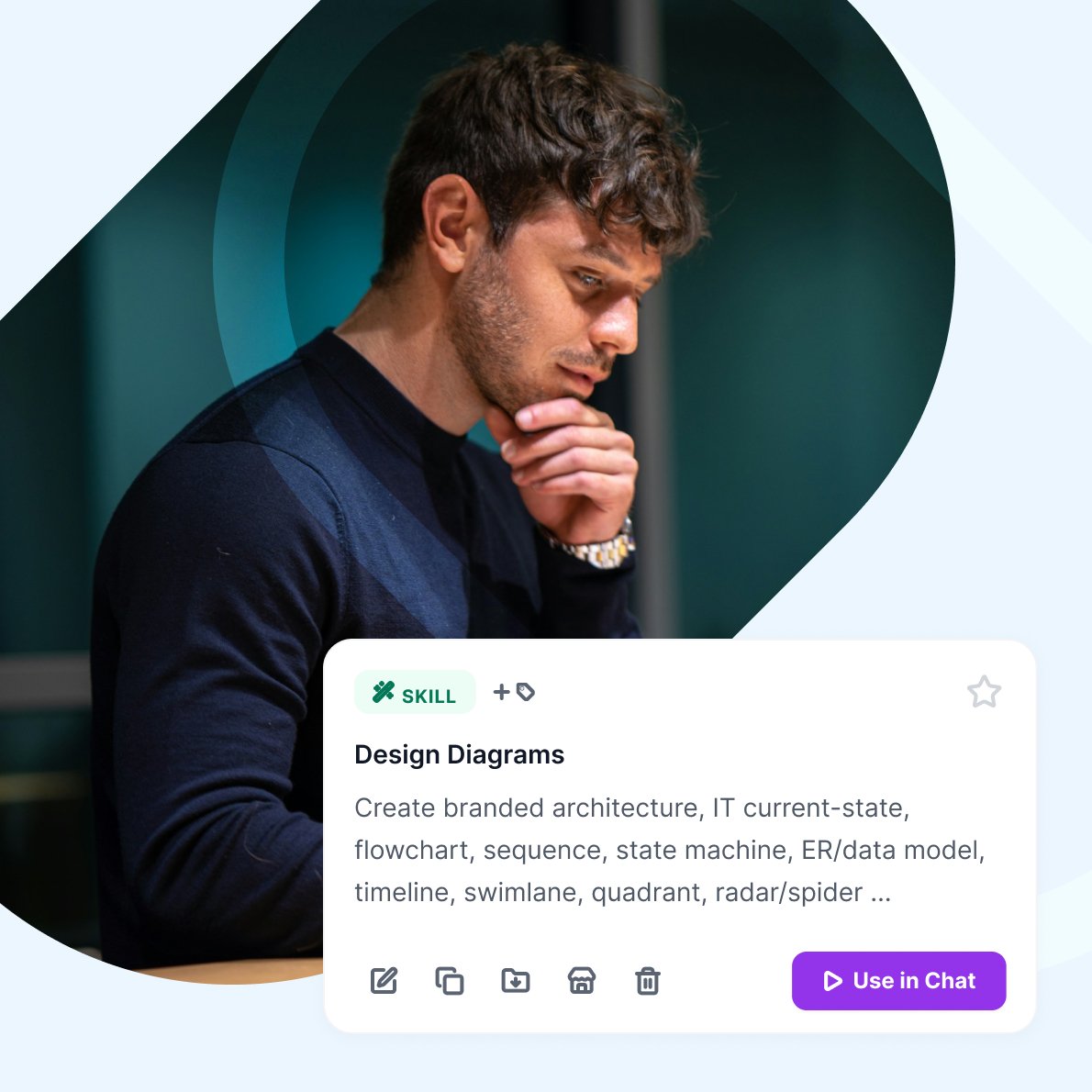
Start with what you already know. Sqemes turns it into something you can reuse everywhere in less than 5 minutes.
Choose your plan.
Unlimited use of AI with your own keys (BYOK) on all of them. Save up to 25% with yearly plans. All prices include VAT. Business customers with a valid VAT ID are charged net.
- Monthly
- Yearly
- SoloOne seat. All your playbooks across all supported tools.€12
- 1 member
- 2,000 AI credits / month
- MCP server access
- Unlimited AI with your own key (BYOK)
- Unlimited playbooks
- Marketplace access
- SoloOne seat. All your playbooks across all supported tools.€9 save 25%
- 1 member
- 2,000 AI credits / month
- MCP server access
- Unlimited AI with your own key (BYOK)
- Unlimited playbooks
- Marketplace access
- TeamShared playbooks with granular access controls.€99
- Up to 10 members
- 25,000 AI credits / month
- MCP server access
- Roles & permissions
- Unlimited AI with your own key (BYOK)
- Unlimited playbooks
- Marketplace access
- PopularTeamShared playbooks with granular access controls.€79 save 20%
- Up to 10 members
- 25,000 AI credits / month
- MCP server access
- Roles & permissions
- Unlimited AI with your own key (BYOK)
- Unlimited playbooks
- Marketplace access
- BusinessMore seats, more included AI usage and shared governance.€249
- Up to 30 members
- 100,000 AI credits / month
- MCP server access
- Roles & permissions
- Unlimited AI with your own key (BYOK)
- Unlimited playbooks
- Marketplace access
- BusinessMore seats, more included AI usage and shared governance.€199 save 20%
- Up to 30 members
- 100,000 AI credits / month
- MCP server access
- Roles & permissions
- Unlimited AI with your own key (BYOK)
- Unlimited playbooks
- Marketplace access